Retrofit Smart Home Modules: The Honest Guide for Existing Homes
If your flat or house is already built, you do not want to break walls just to make it smart. Retrofit modules sit behind your existing switches, keep the same look and feel, and quietly add app, automation, and voice control.
Share photos of your switchboards and we will tell you exactly what is possible without breaking a single wall.
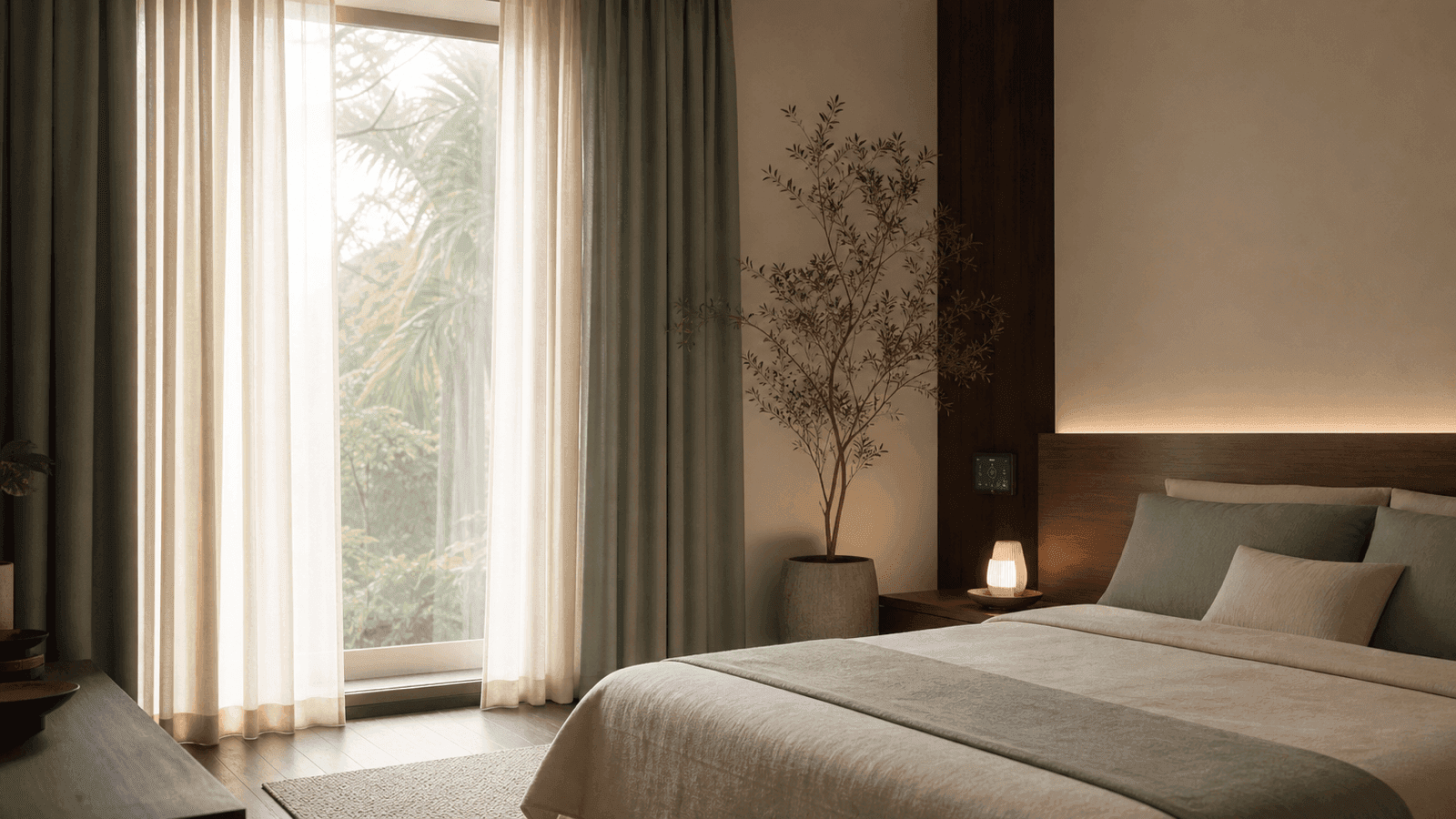
1. What are retrofit smart home modules?
A retrofit module is a small device that sits behind your existing switchboard. It connects to live, neutral, and load so you can control that light or fan from both your normal switches and the app or voice assistant.
Plain version
- Module hides behind the switchboard; look of the plate does not change.
- Switch keeps working exactly as before.
- App, scenes, and voice control are added on top of the existing wiring.
Where they are commonly used
- Finished apartments where rewiring is painful.
- Rental homes where you must leave switches as they are.
- Older independent houses with heavy civil work risk.
2. Where retrofit modules work well (and where they struggle)
Strong use cases
- Walls painted, false ceiling closed, minimal civil work allowed.
- You like your existing switch plate brand and finish.
- You want 3–5 key rooms smart, not the entire building.
- Rented flat where everything must be reversible later.
When retrofit is a bad idea
- Very complex scenes and many circuits per room.
- Large villas, hotels, or buildings needing rock solid uptime.
- Switchboard boxes that are tiny or already jam-packed.
- Old, taped, and twisted wiring with no clear labeling.
In such demanding projects, Onwords usually shifts to a panel-based or mixed design under the Living Homes concept. Retrofits handle the “finished rooms”; panels handle the heavy lifting.
3. Types of retrofit modules
Most Indian projects use three broad module categories. Each solves a different piece of the home.
Light modules
- 1, 2, or 4 lighting loads from a single module.
- On/off control; some support dimming.
- Fits behind switchboard or near junction box.
Fan & appliance modules
- Rated for inductive loads like ceiling fans.
- Step-based or smooth speed control options.
- Special models for geysers or heavy loads.
Curtain & blind modules
- Up, down, stop for motorised curtains and blinds.
- Works with wall keypads or app scenes.
- Helps link curtains to sunrise/sunset logic.
Plug-in smart sockets are more like gadgets. Proper retrofit modules live inside the electrical boxes and talk to your wider Living Home system.
4. Retrofit modules vs touch switches vs panel systems
All three show up in real projects. The right answer depends on build stage, budget, and how serious you are about automation.
Retrofit modules
- Keep existing switches and plates.
- Perfect for finished homes and rentals.
- Budget friendly for partial automation.
- Inside-box wiring can get tight if done badly.
Touch switches
- Premium glass or modular look on the wall.
- Can be basic or fully smart.
- Better suited to new or renovated homes.
- Usually costlier per board than modules.
Panel-based systems
- All loads land in central panels.
- Best for large villas and complex projects.
- Fantastic for service and expansion.
- Needs planned wiring from construction stage.
Onwords typically uses retrofit modules for 2–3 BHK flats and panel-based or hybrid designs for larger Living Homes.
5. Electrical checklist before installing retrofit modules
Before you order a single box, confirm that the electrical basics are not fighting your smart upgrade.
At the switchboard
- Is neutral available in that switchboard box?
- Is there physical space for one or two modules?
- Are wires properly ferruled and terminated, not taped and twisted?
Electrical safety
- Correct MCB ratings and solid earthing in the house.
- No overloaded circuits with “everything on one breaker”.
- Clear label of which module controls which load.
Onwords usually starts any retrofit project with a quick health check of your existing wiring. Smart modules on bad wiring are like a superbike on a broken road.
6. What retrofit modules can do in daily life
Everyday control
- Turn any light or fan on/off from your mobile.
- Use Alexa or Google for hands-free commands.
- Create scenes like Movie, Dinner, or Night.
- Schedule balcony or garden lights by time or sunset.
Example: Living room
One module can handle 2 ceiling lights, 1 fan, and 1 profile or cove light:
- Door switchboard works exactly as before.
- App shows four tiles for quick control.
- “Night” scene turns on only cove and one lamp.
- You get 70–80% of a full smart home feel without civil work.
7. Retrofit module pricing and cost ranges
Prices move by brand, features, and protocol. The pattern below matches most serious Indian products.
Basic modules
1–2 channel light modules with app and voice support.
~ ₹1,000 – ₹2,500
4-channel & scenes
4-channel lighting modules with app, voice, and basic scenes.
~ ₹2,000 – ₹4,500
Fan & curtain
Fan and curtain-specific modules, often with finer control.
~ ₹2,500 – ₹5,000
Typical 2–3 BHK retrofit budget
Focusing on living, dining, kitchen, master bedroom, and balcony:
- Modules + hub (if needed) + programming + basic setup.
- Typical range: ₹40,000 – ₹1,00,000.
- Trying to retrofit every single load in a big villa pushes cost up fast; panels often become more logical.
Onwords usually creates a hybrid plan so you get best value instead of chasing every last switch.
8. Pros and cons of retrofit modules
Retrofit is powerful when used in the right context. Here is the honest view.
Advantages
- No civil work or dust for most rooms.
- You keep your existing switch style and brand.
- Perfect for finished and rented homes.
- Easy to start with a few key rooms and expand later.
- Good value for partial smart home setups.
Limitations
- Inside-box wiring can get crowded if electrician is careless.
- More tiny points of failure compared to a clean panel system.
- WiFi-only modules can struggle with weak networks and thick walls.
- Complex, whole-house scenes need stronger planning and hardware.
This is where a proper system designer matters. Onwords uses experience from hundreds of smart homes and thousands of gate automations to avoid typical failure patterns.
9. How retrofit modules fit into Onwords Living Homes
For Onwords, retrofit is one building block, not the entire story. It slots into a bigger Living Homes architecture.
Retrofit layer
- Used to smarten up finished flats and smaller homes.
- Often combined with smart locks and video door phones.
- Works alongside gate automation for daily convenience.
New build layer
- Smart wiring plus panels and touch switches where needed.
- Optional KNX or other bus systems where scale demands.
- Everything tied together as one Living Home brain.
The goal is one app and one logic for gate, lights, AC, curtains, and security — with clear documentation so you know which module controls what.
10. Decision guide: should you use retrofit modules?
Is your home already finished?
- Yes, walls and paint are done → Retrofit makes sense
- No, wiring still open → Consider smart wiring plus panels
Do you own or rent?
- Owner → Ok to invest in more rooms and better modules
- Tenant → Keep scope focused and reversible
What is your main goal?
- App + voice control in 3–5 key rooms → Retrofit is ideal
- Heavy automation and touch panels everywhere → Think hybrid or panel
Budget comfort level?
- Under ₹50,000 → Start with 1–2 priority rooms
- ₹50,000–₹1,50,000 → Plan a serious multi-room retrofit
- Higher, full Living Home vision → Consider hybrid with panels
Still not sure? Do a pilot in one room. Live with it for a month. Use that learning to design the rest of the house instead of impulse-buying devices.
11. FAQs on retrofit smart home modules
Conclusion and next step
Retrofit smart home modules are the most practical way to upgrade an existing home without dust, drilling, and drama. They have limits, but for a flat or finished house they can deliver real comfort if designed by someone who understands wiring, loads, and daily life, not just apps.
If your home is already built and you want real automation without breaking walls:
- Share your floor plan and key switchboard photos with Onwords.
- Ask for a retrofit smart module plan with a clear upgrade path to a full Living Home.