Scenes & Routines
in Living Homes
Most "smart homes" stop at app buttons. In Onwords Living Homes, scenes decide what your home looks like and routines decide when it happens.
TRIGGER
Voice command
SCENE
Movie
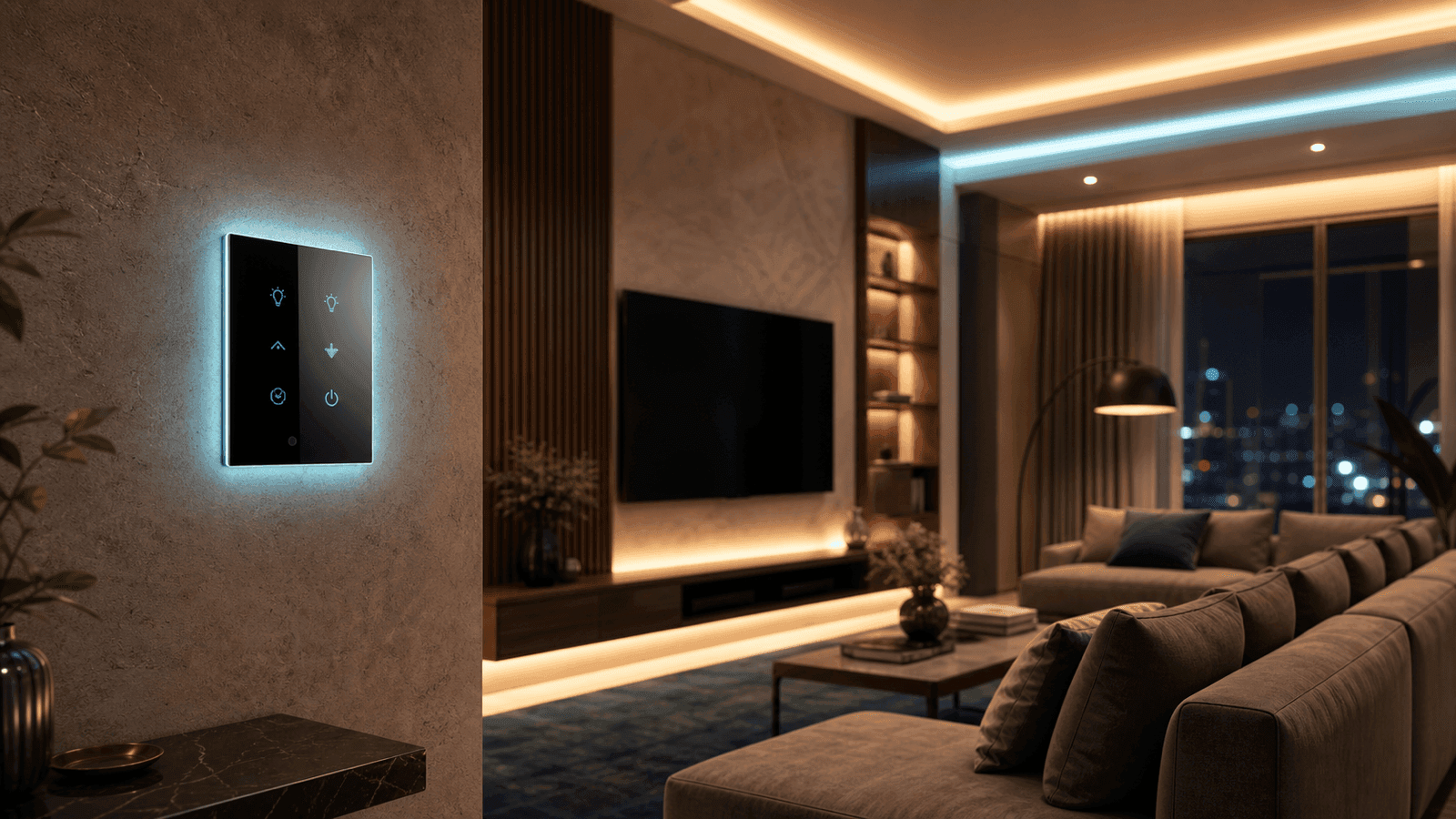
Scenes vs Routines in Plain Language
Scene = Outcome
A preset of device states
Example: Movie Scene
- • Main lights off
- • Cove and back lights at 20%
- • Curtains closed
- • AC to quiet mode
One tap or voice command, and the whole room snaps into that state.
Routine = Trigger
When X happens, run scene Y
Example Routines
- • At 10:30 PM weekdays → Good Night
- • Everyone leaves home → Away
- • Leak sensor wet → Leak Utility
Routines are where time, sensors, presence and events meet your scenes.
Living Homes scenes can control:
House Level Scenes Every Living Home Should Have
These sit on the home screen of the Living Homes app
I'm Home
- Turn on foyer + living lights
- Set AC in living room
- Disarm away mode, shift to home
Optional: Close gate or garage
Good Night
- All main lights off
- Night lamps at low
- Curtains closed
- AC to sleep mode
- Doors locked
- Ajax to night mode
Away
- All lights off
- AC + geysers off
- Plug loads off
- Ajax full arm
- Check doors/windows
Vacation
- Away scene actions
- Presence simulation
- Extra alerts for power/leak/battery
All Off
- All controllable lights off
- All AC off
- Security untouched
Emergency clear button
Room Scenes That Make Daily Life Easier
Movie
- • Main lights off
- • Cove lights 20%
- • Curtains closed
- • AC quiet mode
Party
- • Decorative lights on
- • Outdoor lights
- • Music zone powered
Reading
- • One lamp bright
- • Rest of room dim
Cleaning
- • Every light full bright
Security Scenes with Ajax
Security is not just sirens. It's a set of clear modes.
Arm Home
Perimeter sensors active, sirens ready, bedroom motion relaxed
Arm Away
Full house armed, entry/exit delays on chosen doors
Disarm
All sensors relaxed, normal operation
Example combo: Arm Away + Away scene = House dark, AC off, doors locked, security armed. Safety and comfort stay in sync.
What Routines Can Trigger On
Scenes are vocabulary. Routines are sentences.
Time
At 6:30 AM on weekdays
Event
Door opens, motion detected, leak sensor wet
Presence
Everyone left, first person arrived
Condition
Only if after 10 PM, only if home mode
Manual
Button press, app tap, voice command
Pro tip: Almost every routine should call a scene, not random device actions. That keeps the system easy to manage.
Scenes + Routines Working Together
Morning
Auto Good Night
Everyone Left
Alarm Reaction
Energy Saver
Safety & Priority Rules
Smart doesn't mean stupidly unsafe
Manual user actions always override automated decisions
Security/gate/lock scenes show clear warnings
Time-only routines cannot unlock doors or open gates
Lock/gate routines need presence logic or manual step
Example: Good Night can lock doors. Away can lock doors. But no routine unlocks the main door only by time.
How This Shows in the Living Homes App
Home Screen
Top row: House scenes
Below: Room cards
Automations Screen
Routines List
Auto Night
If 22:30 then Good Night
Scene Library
Read-only overview of what each scene does
Why This Matters for Onwords Customers
Default scene set that matches how Indian families actually live
Routines tuned to mornings, work, evenings and nights
Integration with Ajax, Aqara, Matter, Alexa, Siri, gate automation
Documentation that support teams can use for debugging
You don't have to think like an automation engineer. Just pick scenes you like and adjust timing.
Frequently Asked Questions
Stop Babysitting Your Smart Home
Scenes decide how your home behaves. Routines decide when that behavior kicks in. Design both together, and your home starts working for you.
Share your floor plan and daily schedule. Get a practical plan of which scenes, which routines, and how your house will react across a normal day.
Onwords Delivers
- Default scenes for Indian family lifestyles
- Routines tuned to real daily patterns
- Ajax, Aqara, Matter, Alexa, Siri integration
- Gate automation tied into scenes
- Documentation for support and debugging
- 400+ homes across 3 cities